
Widget for Android
Count the days that matter
Love, trips, birthdays, new habits… See at a glance how long it's been, or how long is left.
 Free · Android 7 or later
Always on your home screen
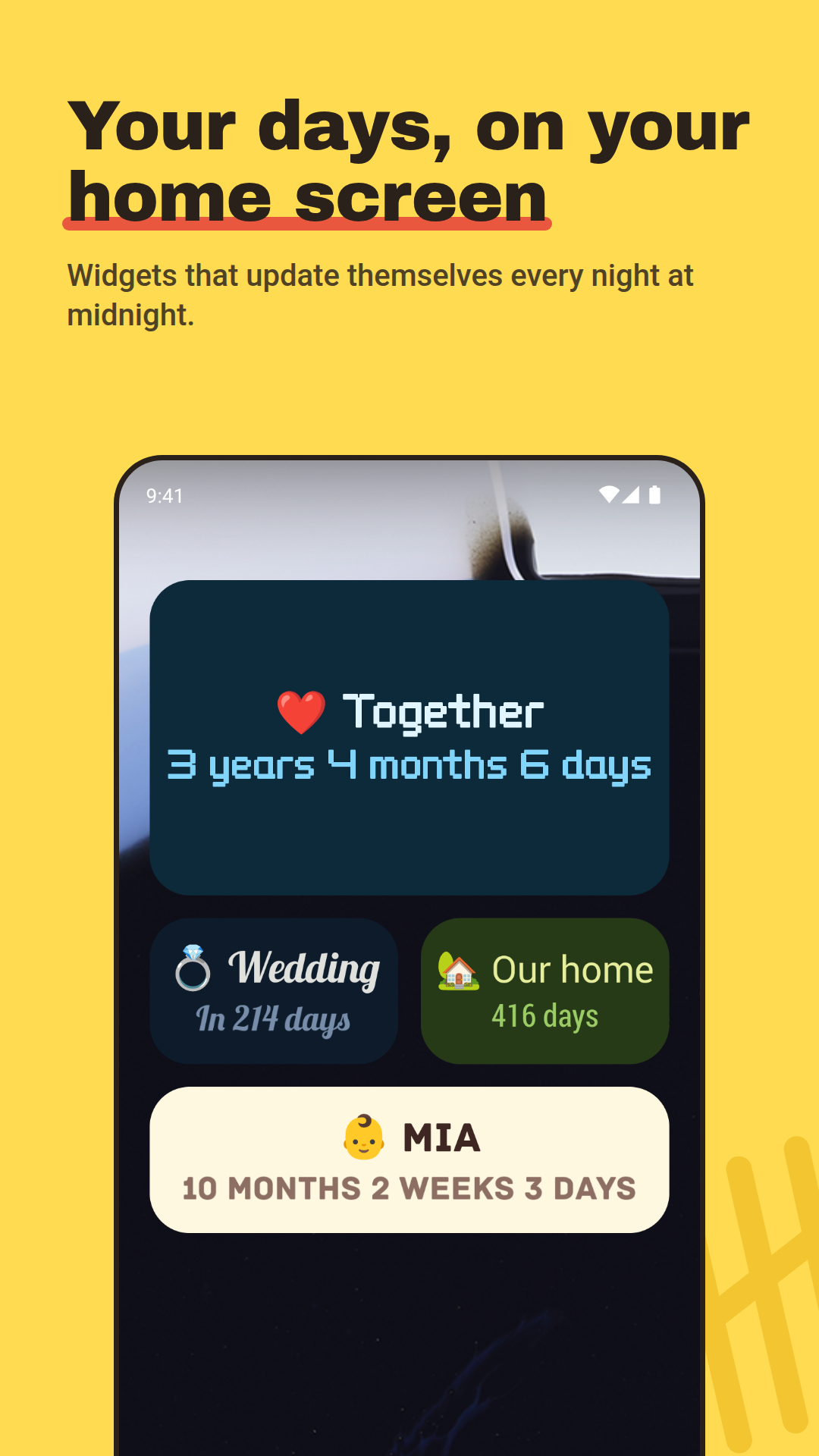
A widget that updates by itself every day. Fonts, colors and emoji, or the colors of your wallpaper.
Updates by itself
At midnight the count goes up a day. No need to open the app.
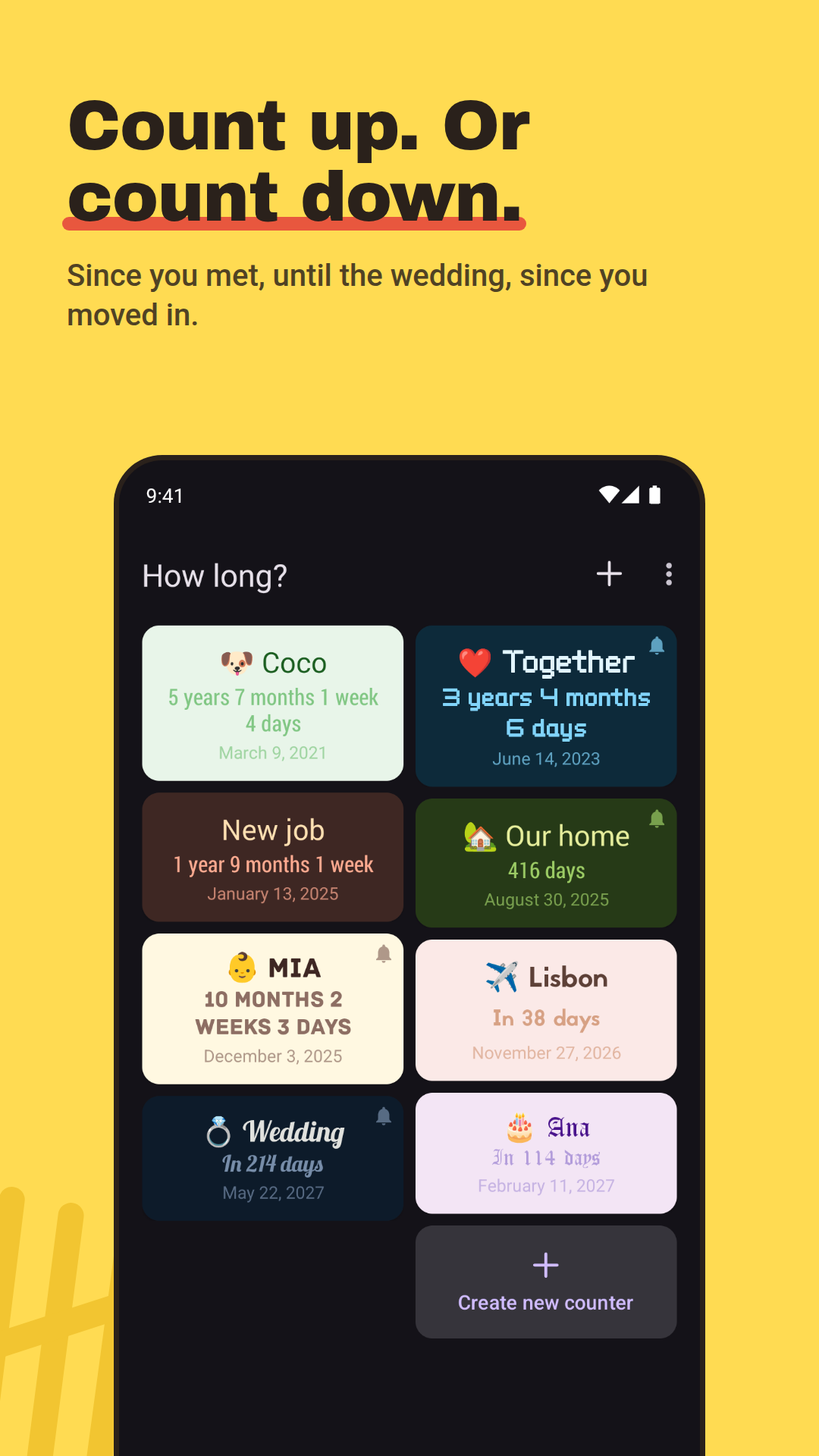
Count up or count down
How long since you met, or how long until the holidays: a date to come reads “In 3 months”.
Your format
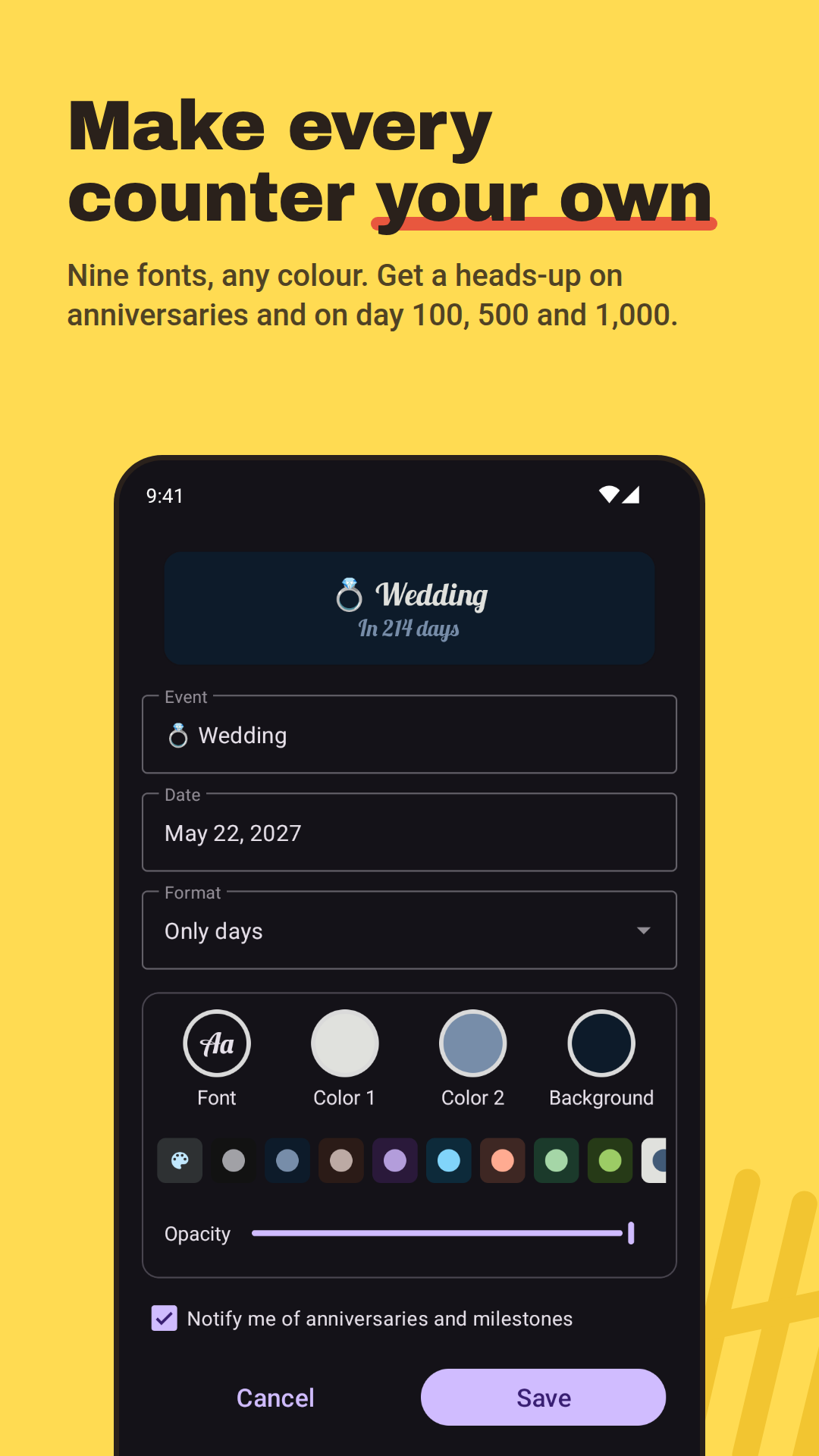
Years, months and days; weeks and days; only weeks; only days; or just the date.
Fonts, colors and emoji
Nine fonts, color palettes and any emoji in the title. Resize the widget and everything fits.
Material You
On Android 12 or later the widget can take the colors of your wallpaper and follow dark mode.
Anniversary reminders
A notification on anniversaries, on round days like day 100, 500 or 1000, and when a countdown reaches its day.
As many counters as you like
Keep all your dates in the app, and put on the home screen only the ones you want.
Share it
Send a counter as a picture with a link. Whoever gets it can add it to their own home screen.
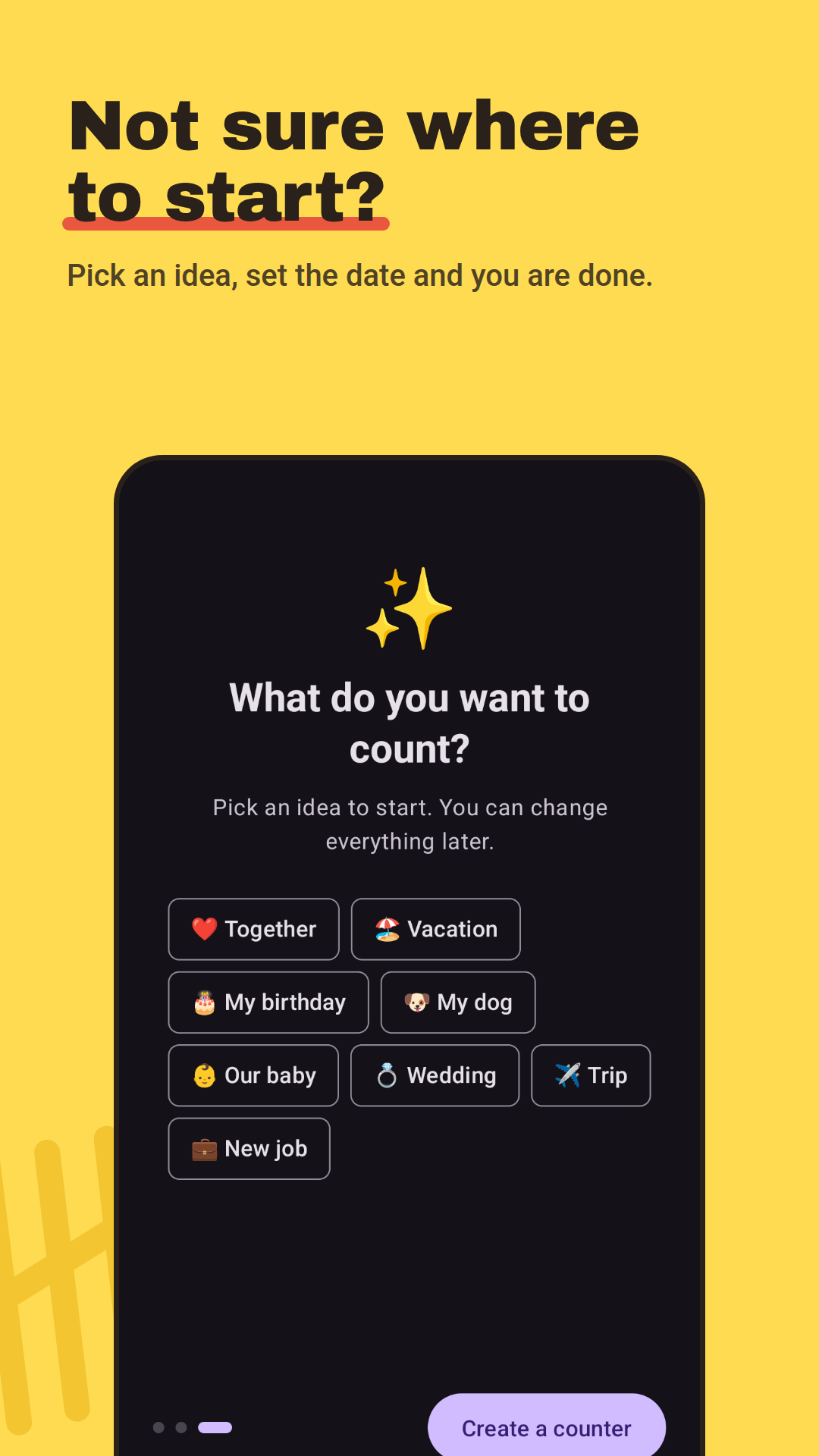
What do you want to count?
Pick an idea to start. You can change everything later.
- Together↑ since
- Vacation⏳ until
- My birthday⏳ until
- My dog↑ since
- Our baby↑ since
- Wedding⏳ until
- Trip⏳ until
- New job↑ since
A look inside
Questions
Is it free?
Yes. The app is free and shows ads. If you'd rather not see them, you can remove them with a one-time purchase.
Which phones does it work on?
Android phones and tablets with Android 7.0 or later. On Android 12 or later the widget can also use the colors of your wallpaper.
How do I add the widget?
Create a counter in the app and it offers to put it on your home screen. You can also long-press an empty spot on your home screen, open Widgets and pick How long?.
Can it count down?
Yes. Pick a date in the future and the widget shows how much is left, like “In 214 days”. If you want, it reminds you when the day comes.
Do my dates leave my phone?
No. Your counters are saved only on your device, and they're included in your Android backup. They only leave it when you share one.

Start counting today
Create your first counter in less than a minute.